

Set up with an AI coding tool
The fastest way in. Paste this into Claude Code, Cursor, Codex, OpenCode, or Windsurf. It installs Bento’s Agent Skills and hands the agent the full integration playbook: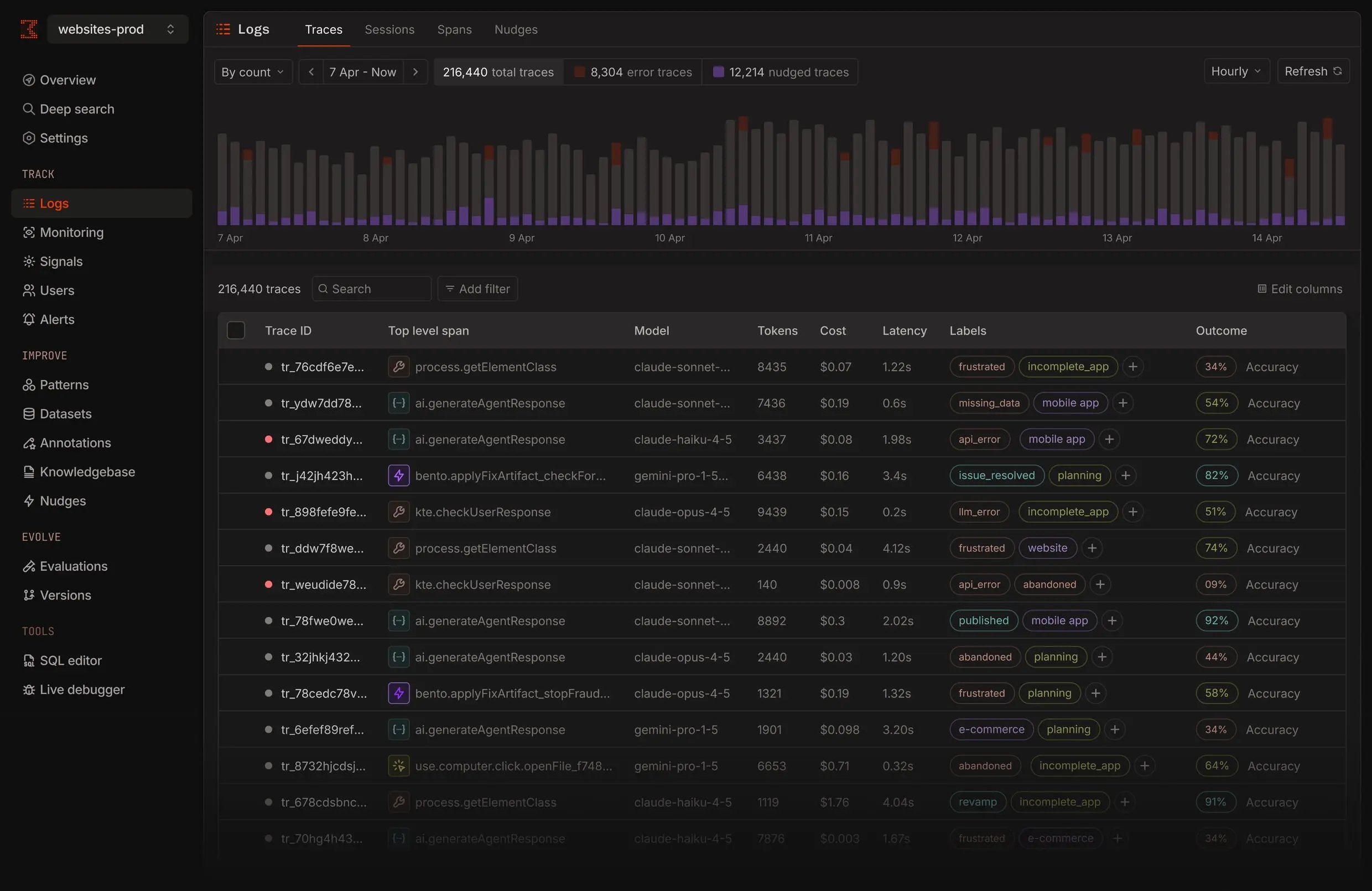
What you get
Traces
Every span from every framework, captured over OpenTelemetry. Open the span tree, or follow a signal straight to the call that broke.
Signals
Describe a failure mode in plain English. Bento trains a detector on your own traces, fires it in real time, and backfills your history.
Issues
Bento groups recurring failures into tracked issues, the front door for triage, with status, severity, and the runs behind each one.
Clusters
See what your agent is doing at a glance. Similar findings group into clusters, so patterns surface before you go looking.
Start in three minutes
Quickstart
Install the SDK, send your first trace.
Integrations
One line to trace Google ADK.
Pick your SDK
Python
pip install bentolabs-sdk. Google ADK integration, plus manual tracking for everything else.TypeScript
Python is the supported SDK. Track the TypeScript SDK here.
From the terminal
CLI
uv tool install bentolabs-cli. Triage issues, inspect signals, drive analytics. Every dashboard surface, from your shell or CI.